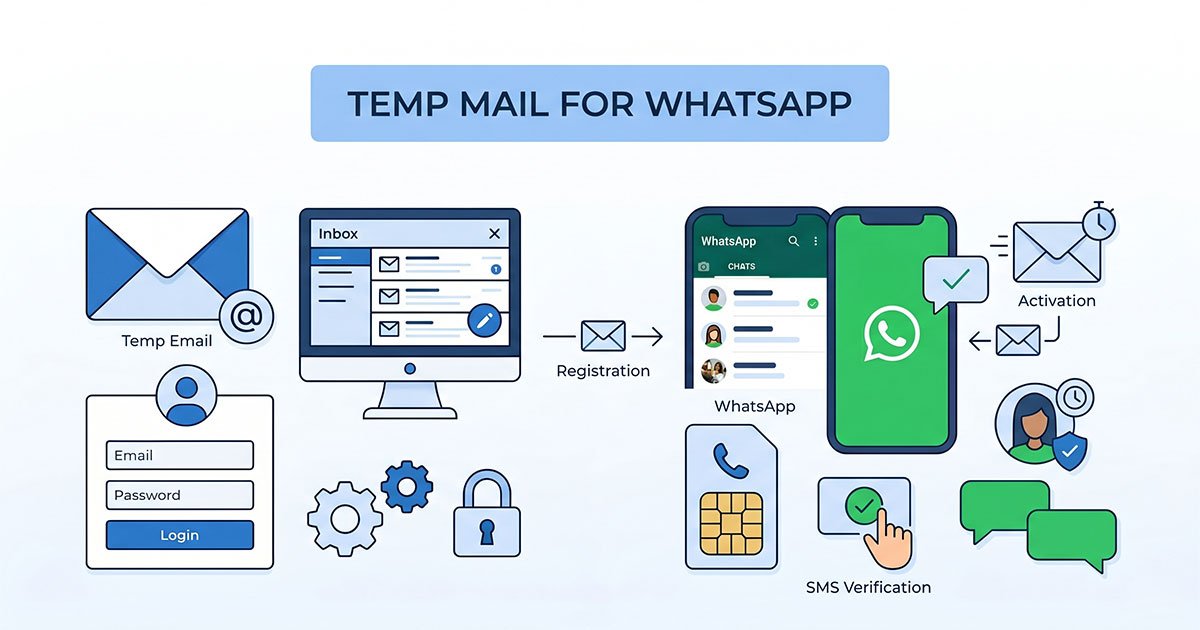
Can you use a temp mail address to sign up for WhatsApp? Not really. WhatsApp's initial registration is built around phone-number verification, so a temporary email can't replace the number needed to create an account.
That doesn't mean temp mail is useless around WhatsApp. It can still make sense for optional email-based features, keeping your primary inbox separate from Meta-related services, and testing certain email workflows. The trick is knowing which problem you're actually trying to solve: your phone number is the identity layer; your email is the inbox layer.
This guide breaks down how WhatsApp verification works, what you can use instead of your main number, and where a temporary email genuinely fits.
Why People Search "Temp Mail for WhatsApp"
Everyone arriving at this page wants roughly one of three things:
- A private signup — "I want WhatsApp without handing over my real phone number or my real email."
- Inbox protection — "I'm worried WhatsApp (or Meta) will spam or leak my primary email address."
- A testing shortcut — "I'm a developer and I need multiple identities to test something WhatsApp-related."
Here's the thing: temp mail for WhatsApp solves none of the first group's problem, partially solves the second, and genuinely helps the third. Before we go deeper, here's the 30-second answer map — every scenario in this article reduces to one of these rows:
| If you need to... | Use... |
|---|---|
| Register WhatsApp | A phone number (required) |
| Hide your main phone number | Secondary SIM / suitable virtual number |
| Avoid using your primary email | Temporary email / alias |
| Test email flows | Temporary email |
| Test WhatsApp verification | Test numbers / official developer tools |
This article gives you the 60-second version of how WhatsApp actually verifies accounts, what to use instead of temp mail, and the three spots where a temporary email address genuinely makes sense.
How WhatsApp Verifies Accounts (60-Second Version)
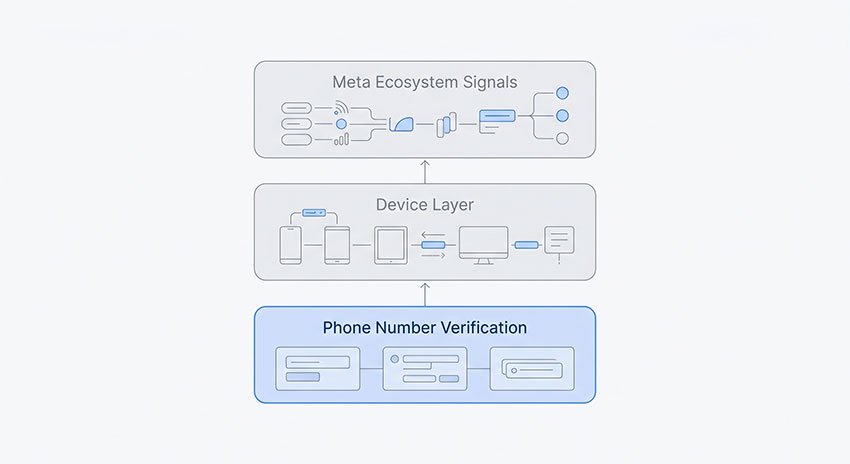
WhatsApp registration is built around one required identity: your phone number. You enter your number, receive a verification code by SMS or call, and use that code to complete registration. There is no email field on the signup screen — email is never part of the process.
That's the whole mechanism. Unlike the platforms below, WhatsApp anchors your identity to the SIM, not the inbox:
| Platform | Registers with | Email's role in signup |
|---|---|---|
| Phone number + SMS/voice OTP | ❌ None — no email field exists | |
| Telegram | Phone number + SMS code | Optional (2FA / cloud recovery) |
| Discord | Email + password | ✅ Core — email is the account |
| Email or phone number | One of two paths |
So if you were hoping a disposable email would anonymize your WhatsApp account — it can't, because WhatsApp never asks for an email in the first place. The identity layer is your number. Which means the real question is: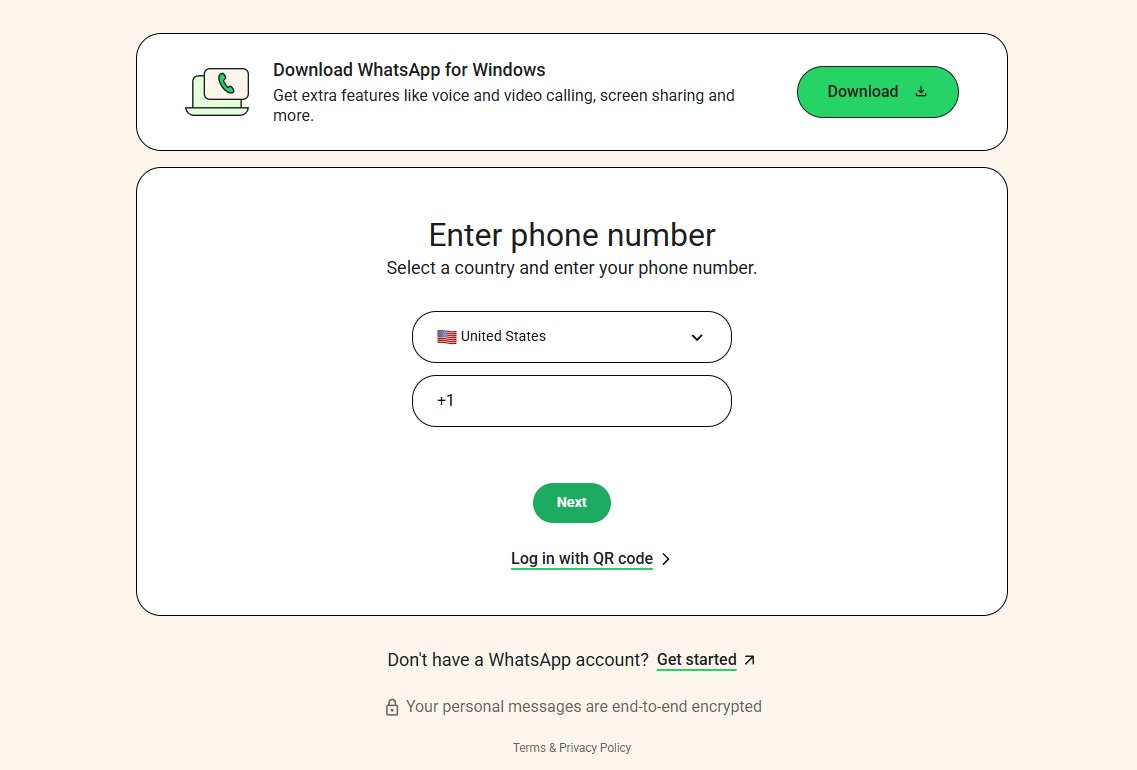
How We Checked WhatsApp's Registration Flow
We checked the current WhatsApp registration flow on a fresh Android installation in August 2026. We focused on two questions: does the initial registration process ask for an email address, and how is the verification code delivered?
What we found: the registration flow requires a phone number and uses a verification code delivered by SMS, with a voice-call option available as a fallback. We did not encounter an email field during the initial registration process. In other words, a temporary email address cannot replace the phone number WhatsApp uses for account verification.
What Actually Works: WhatsApp Without Your Real Number
Since the phone number is the only gate, this is where privacy-conscious users should focus. You have three realistic paths — with very different risk profiles.
Path 1: A secondary SIM or eSIM (most reliable)
A cheap second SIM — or an eSIM plan that includes a phone number — registers on WhatsApp like a regular mobile number. Your main number stays private, while the WhatsApp account remains tied to a number you control.
If you want a separate WhatsApp account for a side business, online selling, dating, or other activities, this is the most reliable option. You own the number, control its SMS or calls, and don't have to depend on a third-party inbox.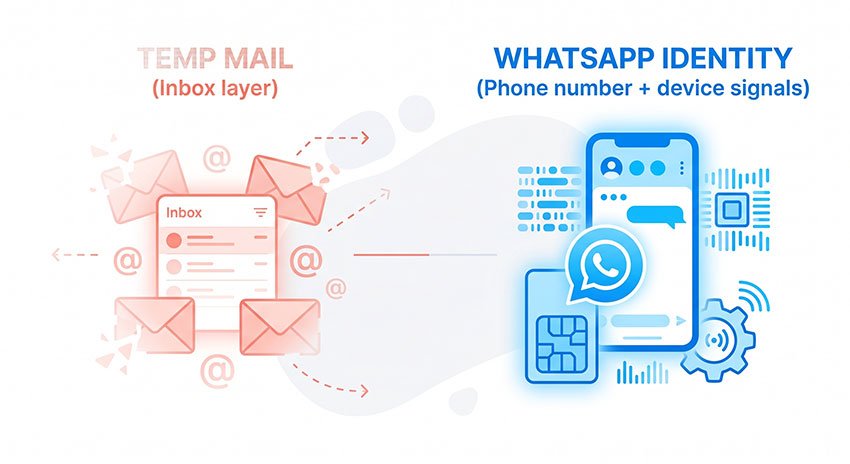
Path 2: A virtual number (works with conditions)
Virtual numbers can work with WhatsApp, but reliability varies. The biggest issue is that WhatsApp may treat some virtual or VoIP number ranges differently from regular mobile numbers.
- VoIP numbers can be unreliable. Some virtual and internet-calling numbers — including Google Voice-style numbers — may fail to receive WhatsApp's verification code or may be rejected during registration. Whether a number works can depend on the carrier, number range, country, and WhatsApp's verification systems.
- Some non-VoIP virtual numbers may work, but there's no guarantee that a number that verifies today will remain reliable long-term.
- Successful verification isn't a guarantee of long-term access. A number range that works during registration may later encounter restrictions or verification problems.
For a WhatsApp account you plan to keep, a virtual number is better treated as a fallback than your first choice.
Path 3: Free SMS-receive sites (don't)
Avoid public "receive SMS online" websites for WhatsApp registration. These services often display incoming messages to anyone who opens the same inbox.
Even if you manage to register, you haven't created a truly private account. Anyone who visits the same inbox may be able to see your verification code, and the number can later be assigned to someone else.
For an account you actually care about, don't use a publicly shared phone number.
The killer risk nobody mentions: recycled numbers
A second-hand or deactivated number often still works for registration — but the previous owner may be able to reclaim it. Number recycling is standard carrier practice, and reclaimed numbers have silently hijacked WhatsApp accounts (and bank SMS) more than once. If an account matters to you, use a number you control.
Where Temp Mail DOES Help Around WhatsApp
Temp mail isn't pointless for WhatsApp users — it just lives in the inbox layer, not the identity layer. Three places it genuinely fits:
1. The two-step verification email
WhatsApp's two-step verification lets you add an optional email address used to reset your PIN if you forget it. Don't want your main email in Meta's systems? A disposable or alias address works technically fine here.
But note the trade-off: if you use an email address you can no longer access and later forget your PIN, recovering the two-step verification becomes much harder — WhatsApp may require a waiting period before you can reset it. A long-term account is better paired with an email address you control. Use a temp address only for accounts you expect to throw away.
2. Your Meta Accounts Center email
If you connect WhatsApp to Facebook or Instagram via Accounts Center, or use WhatsApp Business features that tie into Meta's ecosystem, you'll be asked for an email at various points. For a burner-style presence you don't intend to maintain, a temporary email keeps your real inbox out of the loop.
3. Testing WhatsApp-related email flows
Developers building on the WhatsApp Business Platform, testing notification emails, or running QA across signup flows can burn through identities fast. A temporary email address is exactly the right tool: grab an inbox, receive the message, verify the flow, move on — no cleanup.
Which Tool for Which Goal
Simple rule:
Want to hide your phone number? → You need a phone-number solution.
Want to protect your email? → You need an email solution.
These two tools solve different problems.
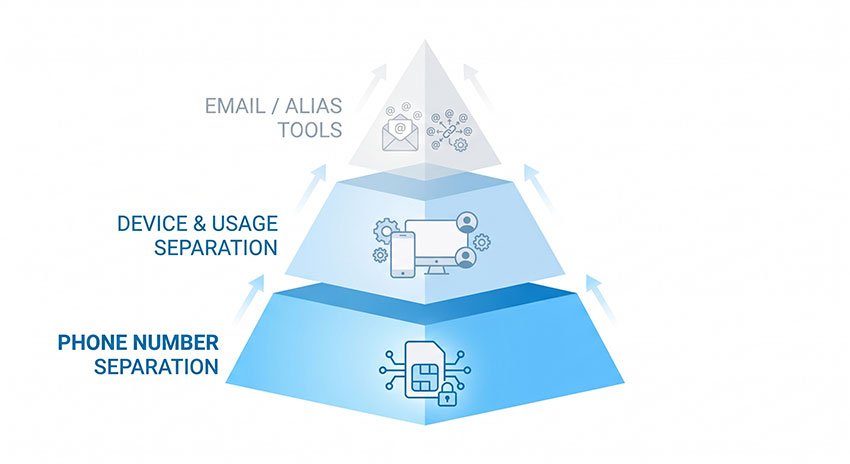
If your goal is to keep your personal phone number private, you need another number — such as a secondary SIM, eSIM, or sometimes a virtual number. That's because WhatsApp uses your phone number as your account identity.
If your goal is to avoid giving out your personal email address, that's where temporary email makes sense. It gives you a separate inbox for services that ask for an email address, without exposing your everyday email.
The confusion happens when you use one tool to solve the other problem. A temporary email can't hide a phone number that WhatsApp requires, just as a virtual phone number can't stop email from reaching your inbox.
Once you separate those two jobs, the answer becomes much simpler: use a phone-number tool for WhatsApp's identity layer, and an email tool for the inbox layer.
What Are the Risks of Using Temporary Email With WhatsApp?
A temporary email can work for signup, but that doesn't mean it's a good long-term choice. The problems usually show up after registration, when you actually need the address again.
- You can lose the recovery path. If the temporary inbox expires before you need it, you may no longer have access to important recovery emails. This matters if you forget your WhatsApp two-step verification PIN.
- The domain may be blocked. Disposable email domains are frequently restricted by online services. In our Guerrilla Mail review, all 11 domains we checked appeared on public blocklists. That doesn't mean WhatsApp blocks them all, but it shows why disposable addresses aren't guaranteed to work everywhere.
- You may miss important account emails. If you use a temporary address for WhatsApp-related notifications or recovery, an expired inbox means those messages are effectively out of reach.
The simple rule: use temp mail when you need a temporary inbox; use a permanent email when you need long-term account access.
FAQ About Temp Mail for WhatsApp
Can I use a temp email for WhatsApp?
Not for signing up — WhatsApp registration uses a phone number and SMS code, with no email field. A temp email only comes into play for optional features like the two-step verification email or Meta Accounts Center.
Can WhatsApp send the verification code to email?
No. Verification codes are delivered by SMS or voice call to the phone number you're registering — there is no option to receive the code by email. If you can't receive SMS on your number, the fallback is a voice call, not an email.
Can I use a disposable email instead of a phone number for WhatsApp?
No — the two aren't interchangeable. A phone number is mandatory for registration and a disposable email can't take its place; email only appears in optional features after the number-based account exists. To separate WhatsApp from your real number, you need a secondary SIM or a suitable virtual number instead.
Can I create WhatsApp without a phone number?
No. Every WhatsApp account requires a phone number for verification. Your options are a secondary SIM/eSIM (most reliable) or a non-VoIP virtual number — VoIP numbers are often rejected.
Does WhatsApp need an email for backups?
No. WhatsApp chat backups don't require an email address for end-to-end encryption. Depending on your account and app version, WhatsApp supports a password, a 64-digit encryption key, or a passkey — added in late 2025, passkeys let you protect your encrypted backup with a fingerprint, face, or screen lock instead of memorizing anything.
Is a virtual number safe for WhatsApp?
It depends on the number type. VoIP numbers often fail verification or stop working later if their range gets flagged. Non-VoIP numbers from real mobile carriers tend to hold up better. For long-term accounts, a secondary SIM is safer still.
Can one temp mail address manage multiple WhatsApp accounts?
No — the limiting factor is the number, not the email. One phone number equals one WhatsApp account, so multiple accounts require multiple numbers, regardless of what email you use.
Bottom Line
If you're here because you want to use WhatsApp without giving the service your main phone number, the answer is simpler than it first looks: temp mail isn't the right tool for the job.
WhatsApp uses your phone number as the account's identity. A temporary email can help with email-based verification or security settings, but it can't replace the phone number WhatsApp uses to create and recover the account.
So, based on what we found:
- Want a separate WhatsApp account? Use a secondary SIM or eSIM with a number you control. It's the least troublesome option.
- Considering a virtual number? It can work, but don't assume every number will verify or remain reliable. If the account matters to you, choose a number you can keep.
- Want to keep your main email out of the picture? That's where temporary email makes sense. Use it for optional email fields when you don't need a long-term inbox.
- Planning to keep the account? Use an email address you actually control for two-step verification. Losing access to your recovery information is a much bigger headache than avoiding a few extra minutes of setup.
In other words, don't try to make temp mail solve a phone-number problem. Use a phone number you control for WhatsApp, and use temp mail where it actually makes sense.
That's the setup that's most likely to keep working after the initial signup is over.