Need to sign up for something online, but don't want to use your real email? You're not alone. Spam is annoying, data breaches are everywhere, and honestly, most websites don't need your actual contact information.
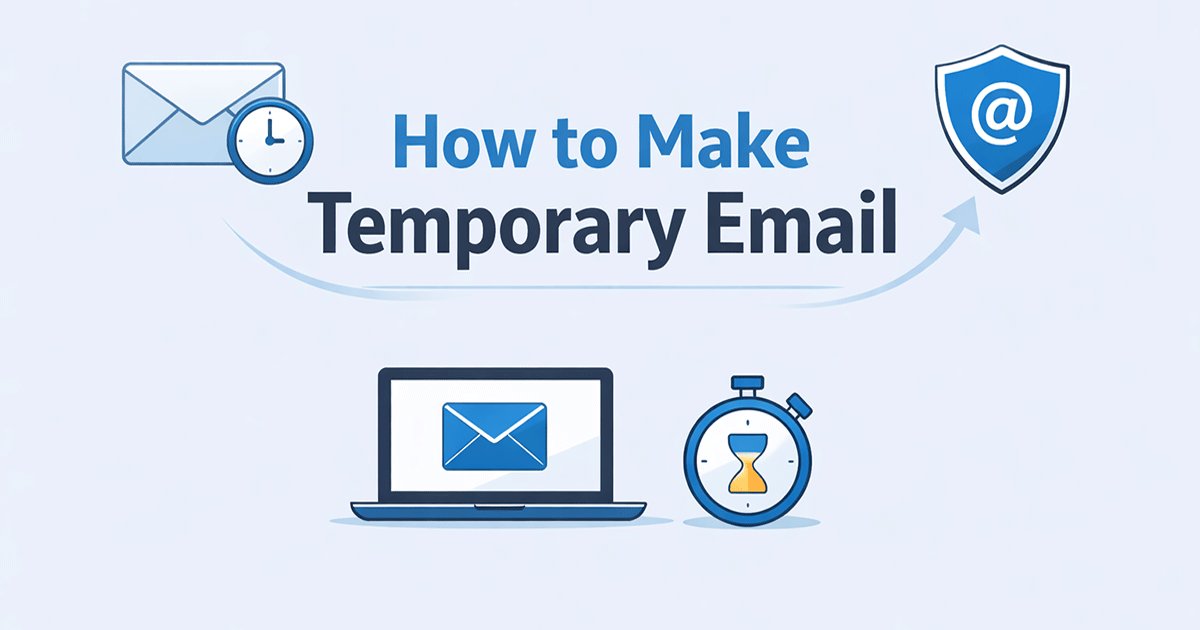
Learning how to make temporary email addresses solves this problem in about thirty seconds. Let's get straight to it.
What Is a Temporary Email and Why Should You Care?
A temporary email—sometimes called disposable email or throwaway address—does exactly what it sounds like. It’s an email address that exists for a short period, receives messages, and then vanishes into the digital ether. You don’t need to register, you don’t need to remember a password, and you definitely don’t need to give out your real information.
The concept has been around for years, but it’s becoming more relevant as data breaches keep making headlines and spam filters somehow still let junk through. When you understand how to make temporary email addresses on demand, you’re essentially creating a buffer zone between your real identity and the internet at large.
Here’s when disposable addresses actually make sense:
- Signing up for a website that looks like it might sell your data
Downloading a white paper or report that requires email registration - Testing a new app or service you’re not sure about yet
- Accessing free trials without getting auto-enrolled later
- Commenting on forums or articles without creating a permanent account
And here’s the kicker—most temporary email services don't ask for any personal details. No name, no phone number, no backup email. You just show up, grab an address, and get on with your day.
How to Make Temporary Email: 4 Methods
Method 1: Using Dedicated Temporary Email Services
The easiest way to figure out how to make temporary email addresses is to use services built specifically for this purpose. These platforms handle everything automatically—you don’t need technical skills or special software.
Most of them work the same way. You land on their website, and instantly, there’s an email address staring back at you, ready to use. Copy it, paste it wherever you need, and then come back to that same page to check for incoming messages. Some services keep emails for a few hours, others for a few days. It depends on which one you pick.
If you're just getting started, something like tempemail.cc gets the job done without overcomplicating things. It’s straightforward—generate, copy, receive. No sign-up walls, no credit card required. That’s the beauty of this approach.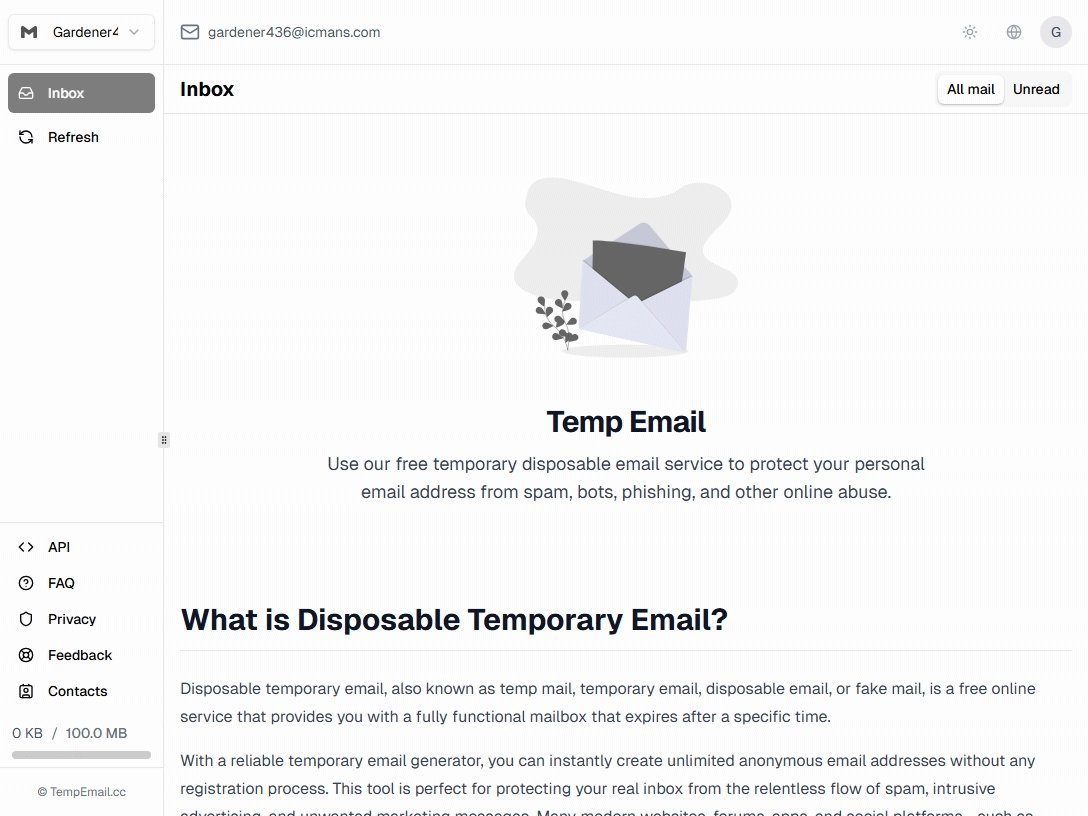
Different temporary mail services have different lifespans though. Here’s a quick breakdown of what’s out there:
- Temp-Mail – The inbox lasts as long as you keep the browser tab open. Close it, and poof, it’s gone.
- 10 Minute Mail – Gives you exactly ten minutes. Handy for quick verifications. You can extend if needed.
- Guerrilla Mail – Keeps messages for about an hour. Also lets you send emails, which is less common in this category.
- YOPmail – Stores emails for eight days. That’s generous compared to most.
The trade-off is usually pretty simple: longer storage often means less privacy. Services that keep emails around longer might have more people poking around, especially if the inbox is publicly accessible.
Method 2: Creating Temporary Emails with Gmail Aliases
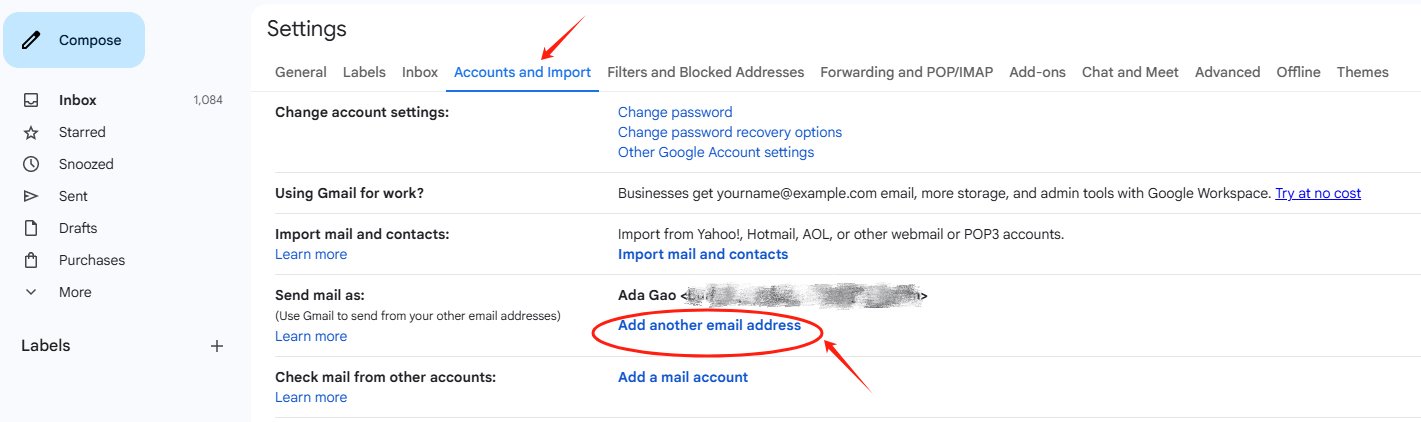 If you already use Gmail, you already know how to make temporary email addresses without any third-party tools. Google built this feature in years ago.
Take your regular Gmail address and add a plus sign followed by anything before the @symbol. [email protected], [email protected], whatever you want. All messages still land in your main inbox, but now you can filter them.
The real trick? If an alias starts getting spam, just create a filter to delete everything sent to it. Problem solved without changing your actual address.
Some sites don't accept plus signs in email fields. For those, use the dot trick. Gmail ignores periods, so [email protected] and [email protected] go to the same place. Hand out different dot variations and filter accordingly.
Method 3: Email Forwarding Services for Long-Term Privacy
 Sometimes you need something more permanent than a burner address but still want to protect your real identity. That’s where email forwarding services come into play. They give you aliases that forward mail to your actual inbox, and if one gets compromised, you just turn it off.
Services like SimpleLogin and AnonAddy let you create unlimited aliases that all point back to your real email. You reply through the alias, and the recipient never sees your actual address. It’s like having a personal assistant who screens all your mail .
This approach is great for:
- Online shopping where you need order confirmations
- Newsletter subscriptions you actually want to read
- Professional networking without handing out your personal email
- Dating apps (seriously, do not use your real email there)
Firefox Relay offers something similar, though with some limitations on the free tier. The key advantage here is control. You can disable any alias instantly if it starts getting abused, and your main inbox stays clean.
Method 4: Browser Extensions and Mobile Apps
If you want how to make a temporary email even faster, browser extensions put disposable addresses one click away. Extensions like Blur or Burner Email integrate right into Chrome or Firefox. Click the icon, generate an address, and it auto-fills into forms.
Mobile apps exist too. Edge: generate addresses on your phone, check mail, delete everything when done. Useful if you're signing up for things away from your computer.
How to Pick the Right Method for You
So with all these options, how do you decide how to make temporary email addresses that fit your needs? It comes down to a few questions:
How long do you need it? For one-time verifications, 10-minute mail services work perfectly. If you need something for a week or two, YOPmail or a forwarding service makes more sense.
Do you need to send replies? Most disposable addresses are receive-only. Guerrilla Mail lets you send, but it’s limited. For two-way communication, Gmail aliases or SimpleLogin are better bets.
How sensitive is the use case? If you just want to stop spam, any method works. If you’re worried about surveillance or tracking, stick with reputable services that have clear privacy policies and maybe pair them with a VPN.
Are you dealing with strict websites? Some sites block known temporary domains. Use Gmail’s plus trick or a custom domain with a forwarding service to get around that.
The Hidden Risks of Free Temporary Email Services
This is where things get interesting—and a little uncomfortable. Everyone loves free stuff, but when it comes to a temporary email, "free" often comes with strings attached that most users never consider.
Who runs these services, and why? Running email servers costs money. Domain registrations, server bandwidth, development time—it adds up. So when a service offers a completely free temporary email with no ads, you have to wonder about their business model.
Some free services monetize by:
- Selling your data: Yes, even disposable email services can track your IP address, browsing patterns, and which sites you're signing up for.
- Selling domain names: Some services register dozens of domains, let users generate addresses, then sell the domains later—potentially exposing your forwarded messages.
- Man-in-the-middle risks: An unencrypted temporary email can be intercepted, and some services don't use HTTPS.
How to protect yourself:
- Stick with services that publish clear privacy policies.
- Look for HTTPS in the URL.
- Never use free temporary email for anything remotely sensitive.
- Consider paid tiers from reputable providers if you need serious privacy.
When NOT to Use Temporary Email
This is important, so pay attention. Temporary email addresses are great for privacy, but they’re terrible for anything that matters long-term.
Don’t use them for:
- Banking or financial accounts (you need recovery access)
- Work-related communications (professionalism matters)
- Accounts you’ll need to recover later (password resets go to dead addresses)
- Legal or government services (they require verified identities)
- Healthcare portals (privacy laws matter, but so does access)
If you lose access to a temporary address, that account is gone forever. No customer support is going to help you recover an account tied to an email that no longer exists. So think ahead—use temporary emails for throwaway stuff, and keep real emails for everything that actually matters.
FAQs about Making Temporary Email
Is it legal to use temporary email addresses?
Yes, absolutely. Using a temporary email is legal in most jurisdictions. The gray area appears if you use them to violate a platform’s terms of service or commit fraud. For everyday privacy protection, you’re fine.
How long do temporary emails last?
It varies wildly. Some services delete addresses after 10 minutes. Others keep them for days. A few—like customizable inboxes—keep them until you manually delete them. Always check the service’s expiration policy before you sign up for something important.
Can I reply to emails from a temporary address?
Most best temporary email services 2026 are receive-only . You can’t send messages, which limits their usefulness for two-way communication. If you need to reply, you’re better off with a manually created burner account or an alias service that supports sending.
Why do some websites block temporary emails?
Platforms block disposable addresses to protect themselves from spam, fraud, and fake accounts. When users can create unlimited sign-ups with no verification, it opens the door for abuse—like bots scraping content or people gaming free trials.
Do temporary emails protect my privacy completely?
They protect your email address, which is a big step. But websites can still track you through IP addresses, browser fingerprints, and cookies. For better privacy, pair temporary emails with a VPN or private browsing mode.
Final Words on How to Make Temporary Email
Learning how to make temporary email addresses isn’t about being sneaky. It’s about being smart with your digital footprint. Every time you hand over your real email, you’re trusting that website to protect your information. And frankly, too many sites don’t deserve that trust.
The beauty of temporary email is that it puts you back in control. You decide who reaches your inbox. You decide what information you share. You decide when to walk away.
Next time you hit one of those “enter your email to continue” walls, pause for a second. Ask yourself: Does this site really need access to my primary inbox? If the answer is no—and it usually is—take the extra thirty seconds to create a temporary address instead.