Pada tahun 2026, memilih penyedia e-mel bukan lagi sekadar untuk menghantar mesej. Pengguna semakin menilai penyedia berdasarkan perlindungan privasi, alat produktiviti berkuasa AI, ketepatan penapisan spam, dan keserasian ekosistem.
Dengan berpuluh-puluh pilihan yang tersedia, memilih penyedia yang salah boleh menyebabkan peti masuk berselerak, kebimbangan privasi, atau kos langganan yang tidak perlu.
Dalam panduan ini, kami membandingkan perkhidmatan e-mel terbaik untuk kegunaan peribadi pada tahun 2026, menilai kekuatan dan kelemahan mereka, serta membantu anda memilih penyedia yang tepat berdasarkan keutamaan anda.
Cara Kami Menilai Perkhidmatan E-mel Ini (Metodologi Kami)
Untuk mengenal pasti perkhidmatan e-mel terbaik untuk kegunaan peribadi, kami menilai penyedia menggunakan rangka kerja berstruktur yang memfokuskan kepada penggunaan dunia sebenar dan bukannya keperluan perusahaan.
Setiap penyedia dinilai merentasi lapan kategori utama:
Keselamatan (20%)
- Sokongan pengesahan berbilang faktor
- Perlindungan pemulihan akaun
- Pertahanan anti-pancingan data
- Reputasi keselamatan
Privasi (20%)
- Amalan pengumpulan data
- Pilihan penyulitan
- Polisi pengiklanan
- Komitmen privasi
Kebolehgunaan (15%)
- Kualiti antara muka
- Fungsi carian
- Alat pengurusan peti masuk
- Kemudahan penyediaan
Storan & Kebolehskalaan (10%)
- Peruntukan storan percuma
- Fleksibiliti naik taraf
- Daya maju akaun jangka panjang
Perlindungan Spam (10%)
- Ketepatan penapisan spam
- Kadar positif palsu
- Perlindungan terhadap e-mel berniat jahat
Pengalaman Mudah Alih (10%)
- Kualiti aplikasi mudah alih
- Kebolehpercayaan penyelarasan
- Ciri produktiviti mudah alih
Integrasi Ekosistem (10%)
- Keserasian kalendar
- Integrasi storan awan
- Kesambungan suite produktiviti
Nilai Keseluruhan (5%)
- Keseimbangan antara ciri, kebolehgunaan, dan kos
Matlamat kami adalah untuk mengenal pasti penyedia yang menawarkan gabungan terkuat antara keselamatan, privasi, kebolehpercayaan, dan kemudahan untuk pengguna peribadi harian pada tahun 2026.
Perbandingan Ringkas Perkhidmatan E-mel Terbaik
| Penyedia | Terbaik Untuk | Pelan Percuma | Tahap Privasi | Storan | Iklan |
|---|---|---|---|---|---|
| Gmail | Kebanyakan pengguna | Ya | Sederhana | 15GB | Terhad |
| Outlook | Pengguna Microsoft | Ya | Sederhana | 15GB | Terhad |
| Proton Mail | Pengguna mementingkan privasi | Ya | Sangat Tinggi | Pelan Percuma Terhad | Tiada |
| Zoho Mail | Pengalaman tanpa iklan | Ya | Tinggi | Sederhana | Tiada |
| Yahoo Mail | Keperluan storan besar | Ya | Sederhana | 1TB | Ya |
| Fastmail | Pengguna premium | Tidak | Tinggi | Luas | Tiada |
| iCloud Mail | Pengguna Apple | Ya | Tinggi | Storan iCloud Dikongsi | Tiada |
7 Perkhidmatan E-mel Terbaik untuk Kegunaan Peribadi
1. Gmail
Gmail kekal sebagai salah satu platform e-mel yang paling banyak digunakan di seluruh dunia. Disokong oleh infrastruktur Google, ia memberikan kebolehpercayaan yang sangat baik, penapisan spam yang berkuasa, dan integrasi lancar dengan produk Google Workspace seperti Drive, Calendar, Meet, dan Docs.
Bagi kebanyakan pengguna yang mencari perkhidmatan e-mel terbaik untuk kegunaan peribadi, Gmail menyediakan keseimbangan ideal antara kemudahan dan kefungsian. Keupayaan carian lanjutannya menjadikan pencarian mesej lama sangat mudah, manakala pengkategorian pintar menyusun e-mel masuk secara automatik.
Ciri Utama
- 15GB storan percuma
- Perlindungan spam yang sangat baik
- Integrasi Google Workspace
- Bantuan e-mel berkuasa AI
- Fungsi carian yang berkuasa
Kekurangan
- Kebimbangan privasi bagi sesetengah pengguna
- Storan dikongsi merentasi perkhidmatan Google
- Iklan dipaparkan di bahagian tertentu
Kes Penggunaan Terbaik:
Pengguna yang mahukan platform e-mel yang serba boleh dan kaya dengan ciri untuk kegunaan peribadi harian.
2. Outlook
Microsoft Outlook telah berkembang dengan ketara sejak beberapa tahun kebelakangan ini. Platform ini menggabungkan pengurusan e-mel dengan alat produktiviti, menjadikannya menarik bagi pengguna yang sudah melabur dalam ekosistem Microsoft.
Outlook menawarkan antara muka moden, kefungsian kalendar yang kukuh, dan integrasi lancar dengan aplikasi Office. Ciri Focused Inbox membantu mengurangkan kekusutan dengan mengutamakan mesej penting.
Ciri Utama
- Integrasi Microsoft 365
- Alat kalendar terbina dalam
- Penapisan spam yang kukuh
- Antara muka yang bersih
- Penyelarasan merentas peranti
Kekurangan
- Sesetengah ciri premium memerlukan langganan
- Antara muka mungkin terasa kompleks bagi pemula
Kes Penggunaan Terbaik:
Pengguna yang banyak menggunakan produk dan perkhidmatan Microsoft.
3. Proton Mail
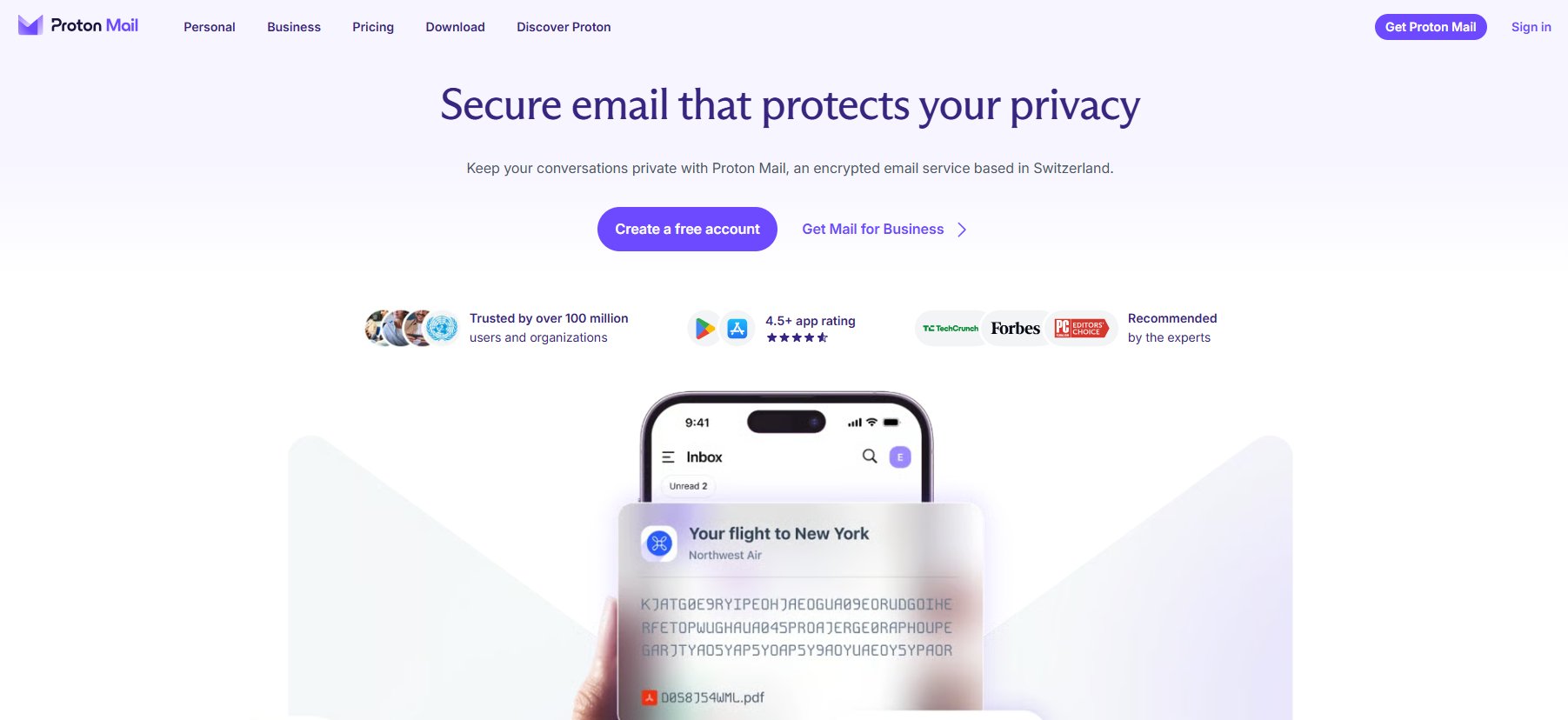 Proton Mail telah menjadi pilihan utama dalam kalangan penyokong privasi. Dibangunkan dengan keselamatan sebagai terasnya, platform ini menawarkan penyulitan hujung-ke-hujung dan komitmen yang kukuh terhadap privasi pengguna.
Tidak seperti kebanyakan penyedia arus perdana, Proton Mail meminimumkan pengumpulan data dan beroperasi di bawah peraturan privasi yang ketat. Ini menjadikannya salah satu calon terkuat bagi pengguna yang mengutamakan kerahsiaan.
Ciri Utama
- Penyulitan hujung-ke-hujung
- Perlindungan privasi yang kukuh
- Komponen sumber terbuka
- Perkongsian e-mel selamat
- Pilihan pengesahan lanjutan
Kekurangan
- Storan percuma terhad
- Pelan premium boleh menjadi mahal
Kes Penggunaan Terbaik:
Pengguna yang mencari privasi maksimum dan komunikasi yang disulitkan.
4. Zoho Mail
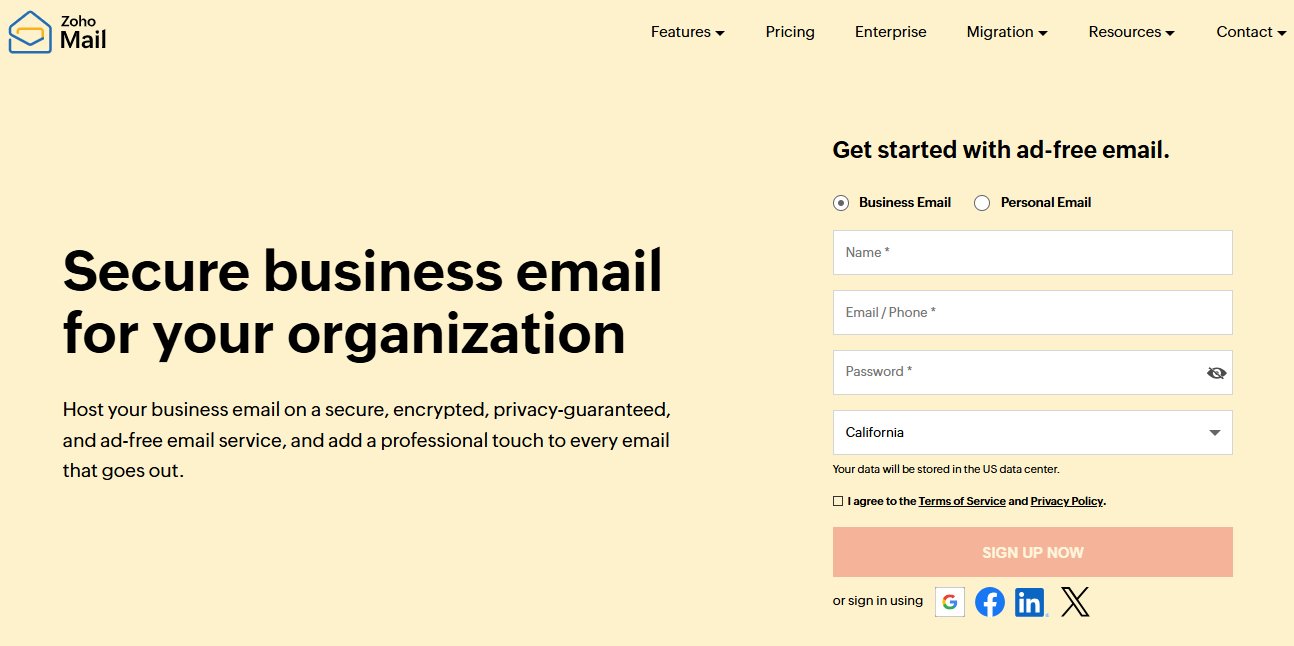 Zoho Mail memberikan pengalaman bersih tanpa iklan yang menarik bagi pengguna yang mencari kesederhanaan. Walaupun sering dikaitkan dengan produktiviti perniagaan, tawaran e-mel peribadinya sangat berkebolehan.
Platform ini memfokuskan kepada organisasi, privasi, dan komunikasi tanpa gangguan. Antara mukanya terasa ringan sambil tetap menyediakan ciri produktiviti yang berguna.
Ciri Utama
- Antara muka tanpa iklan
- Polisi privasi yang kukuh
- Alat organisasi tersuai
- Suite produktiviti bersepadu
- Kebolehcapaian mudah alih
Kekurangan
- Ekosistem yang lebih kecil daripada Google atau Microsoft
Kes Penggunaan Terbaik:
Pengguna yang lebih suka pengalaman e-mel yang bersih dan bebas gangguan.
5. Yahoo Mail
Yahoo Mail terus mengekalkan kerelevanan berkat kapasiti storan yang luas dan pengalaman pengguna yang mudah.
Peruntukan storan 1TB platform ini kekal sebagai salah satu tawaran percuma paling luas yang tersedia. Bagi pengguna yang jarang memadam mesej, ini boleh menjadi kelebihan utama.
Ciri Utama
- Kapasiti storan yang besar
- Antara muka yang mudah digunakan
- Reka bentuk mesra mudah alih
- Peti masuk yang boleh disesuaikan
- Alat carian yang kukuh
Kekurangan
- Reputasi privasi yang bercampur-campur
- Lebih banyak pengiklanan berbanding pesaing
Kes Penggunaan Terbaik:
Pengguna yang memerlukan storan yang luas untuk arkib e-mel jangka panjang.
6. Fastmail
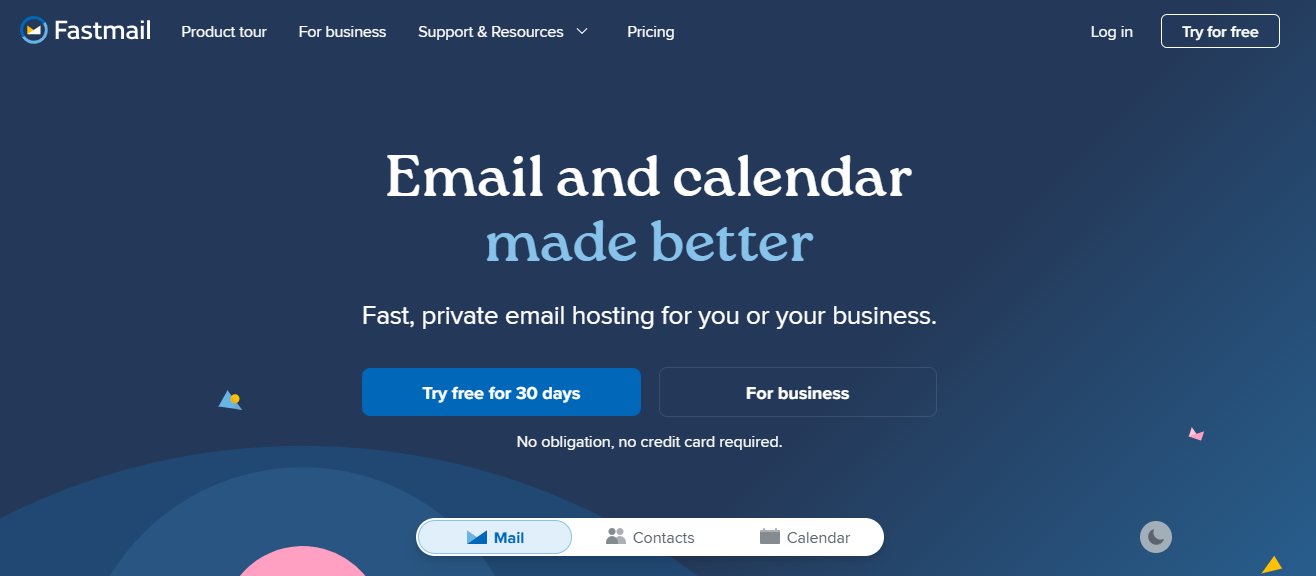 Fastmail telah membangunkan pengikut setia dalam kalangan pengguna yang mencari alternatif premium kepada platform e-mel percuma. Perkhidmatan ini mengutamakan kelajuan, privasi, penyesuaian, dan kawalan pengguna.
Tidak seperti penyedia yang disokong iklan, Fastmail bergantung pada langganan, yang membantu menyelaraskan model perniagaannya dengan kepentingan pelanggan.
Ciri Utama
- Prestasi pantas
- Fokus privasi yang kukuh
- Domain tersuai
- Alat penapisan lanjutan
- Tiada pengiklanan
Kekurangan
- Tiada pelan percuma kekal
- Kurang integrasi ekosistem arus perdana
Kes Penggunaan Terbaik:
Pengguna yang sanggup membayar untuk pengalaman e-mel premium.
7. iCloud Mail
Bagi pengguna Apple, iCloud Mail menawarkan pengalaman lancar yang disepadukan dengan ketat merentas iPhone, iPad, Mac, dan peranti Apple yang lain.
Kesederhanaannya dan sokongan ekosistem asli menjadikannya pilihan semula jadi bagi individu yang terutamanya menggunakan produk Apple.
Ciri Utama
- Integrasi ekosistem Apple
- Kawalan keselamatan yang kukuh
- Kefungsian Hide My Email
- Penyediaan mudah
- Penyelarasan yang boleh dipercayai
Kekurangan
- Fleksibiliti terhad di luar ekosistem Apple
Kes Penggunaan Terbaik:
Pengguna yang melabur sepenuhnya dalam peranti dan perkhidmatan Apple.
Mengapa Perkhidmatan E-mel Sementara Harus Melengkapi — Bukan Menggantikan Akaun E-mel Utama Anda
Salah satu kesilapan terbesar yang dilakukan pengguna ialah menganggap bahawa perkhidmatan e-mel sementara boleh menggantikan penyedia e-mel kekal. Pada hakikatnya, alamat e-mel pakai buang dan penyedia e-mel tradisional mempunyai tujuan yang sama sekali berbeza.
Akaun e-mel kekal harus kekal sebagai pusat identiti digital anda. Ini adalah alamat yang anda gunakan untuk perbankan, beli-belah, perkhidmatan awan, pemulihan akaun, dan komunikasi jangka panjang.
Perkhidmatan e-mel sementara paling baik digunakan sebagai alat privasi, dan platform seperti Tempemail.cc direka khusus untuk tujuan ini—menyediakan peti masuk pakai buang segera untuk pendaftaran sekali sahaja dan e-mel pengesahan tanpa mendedahkan alamat utama anda.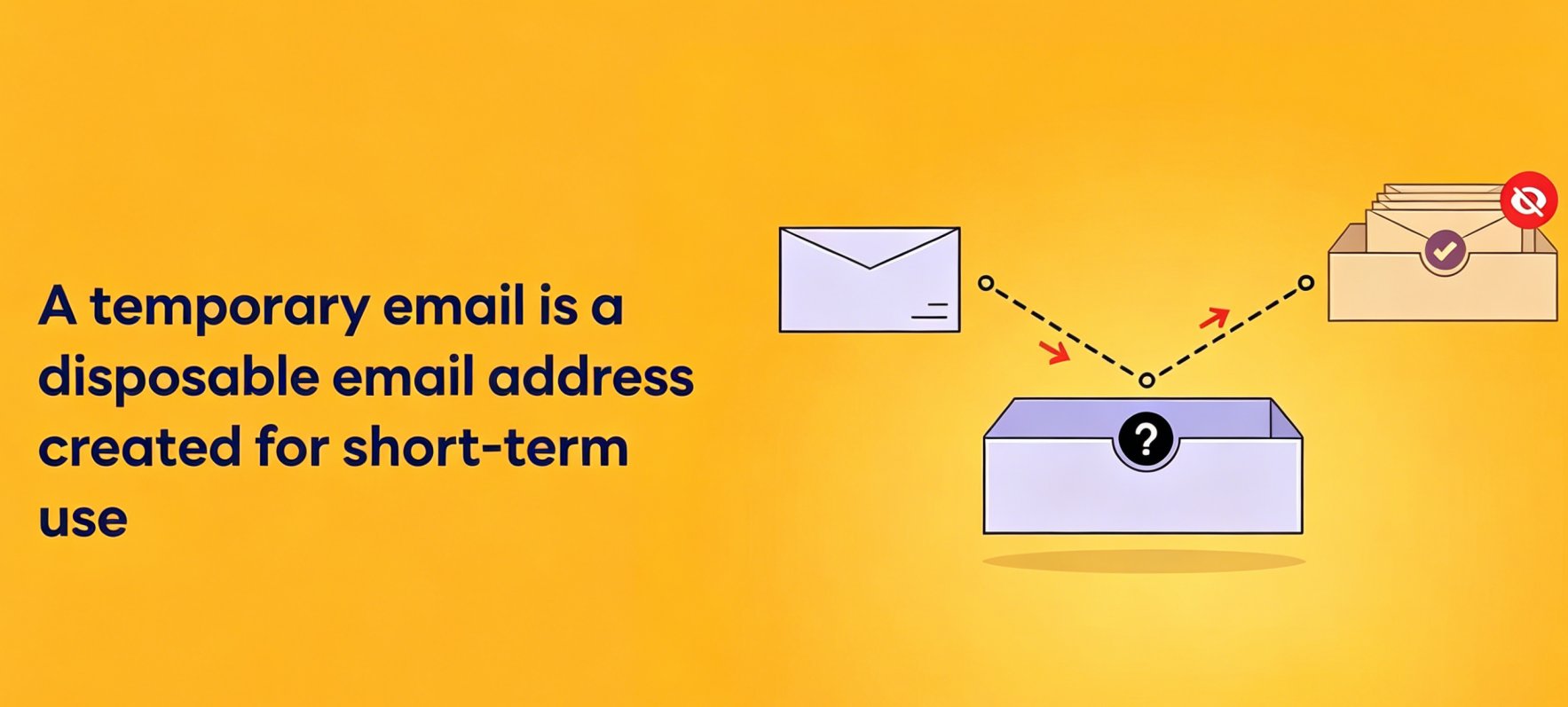
Bila Perkhidmatan E-mel Sementara Masuk Akal
Alamat e-mel sementara amat berguna apabila:
- Mendaftar untuk percubaan percuma
- Memuat turun sumber
- Mendaftar untuk webinar
- Menguji perkhidmatan dalam talian
- Melengkapkan pengesahan sekali sahaja
Bila Anda Harus Menggunakan E-mel Utama Anda Sebaliknya
Jangan sekali-kali menggunakan alamat e-mel sementara untuk:
- Akaun kewangan
- Perkhidmatan kerajaan
- Pengurus kata laluan
- Portal penjagaan kesihatan
- Langganan jangka panjang
Bagi ramai pengguna, pendekatan terbaik ialah menggabungkan penyedia utama seperti Gmail, Outlook, Proton Mail, atau Fastmail dengan perkhidmatan e-mel sementara seperti Tempemail.cc. Ini membantu mengurangkan spam sambil melindungi peti masuk utama anda daripada pendedahan yang tidak perlu.
Cara Memilih Penyedia E-mel Terbaik untuk Keperluan Anda
1. Nilai Infrastruktur Keselamatan Terlebih Dahulu
Keselamatan harus menjadi kriteria penilaian utama bagi mana-mana penyedia e-mel. Cari penyedia yang menyokong pengesahan berbilang faktor (MFA), penapisan spam lanjutan, perlindungan pancingan data, pengesanan log masuk yang mencurigakan, dan sambungan disulitkan. Ciri-ciri ini membantu mengurangkan risiko kompromi akaun, kecurian kelayakan, dan serangan e-mel berniat jahat.
Di luar ciri individu, pertimbangkan prreputasi keselamatan keseluruhan penyedia. Penyedia yang besar dan mantap biasanya melabur dengan banyak dalam perisikan ancaman, keselamatan infrastruktur, dan sistem pencegahan penyalahgunaan, yang boleh menawarkan perlindungan bermakna terhadap ancaman siber yang semakin berkembang.
2. Menilai Dasar Privasi dan Amalan Data
Piawaian privasi berbeza dengan ketara antara penyedia e-mel. Sesetengah perkhidmatan menganalisis data pengguna untuk menambah baik pengiklanan atau perkhidmatan platform, manakala yang lain meletakkan privasi sebagai ciri produk teras.
Apabila membandingkan penyedia, semak cara kandungan e-mel, metadata, dan aktiviti akaun dikendalikan. Pengguna yang mengutamakan kemudahan mungkin selesa dengan ekosistem arus perdana, manakala individu yang mementingkan privasi mungkin lebih gemar penyedia yang meminimumkan pengumpulan data dan menawarkan pilihan penyulitan hujung-ke-hujung (end-to-end encryption).
3. Pertimbangkan Integrasi Ekosistem
Bagi kebanyakan pengguna, e-mel berfungsi sebagai sebahagian daripada persekitaran produktiviti yang lebih luas. Nilai perkhidmatan e-mel sering melangkaui peti masuk itu sendiri.
Gmail berintegrasi rapat dengan Google Drive, Google Calendar, dan perkhidmatan Google yang lain. Outlook menawarkan keserasian yang mendalam dengan aplikasi Microsoft 365, manakala iCloud Mail menyediakan pengalaman yang lancar merentas peranti Apple. Memilih penyedia yang selaras dengan aliran kerja sedia ada anda boleh meningkatkan kecekapan dan mengurangkan kekangan dalam penggunaan harian.
4. Periksa Storan dan Kebolehskalaan Jangka Panjang
Akaun e-mel cenderung mengumpul sejumlah besar mesej, lampiran, resit, dan rekod arkib dari semasa ke semasa. Walaupun keperluan storan semasa mungkin kelihatan sederhana, keperluan masa depan boleh meningkat dengan ketara.
Daripada hanya memfokuskan pada kuota storan percuma, nilai sama ada penyedia menawarkan laluan naik taraf yang mampan, keupayaan pengarkiban yang boleh dipercayai, dan fungsi carian yang cekap. Kebolehskalaan jangka panjang amat penting bagi pengguna yang merancang untuk mengekalkan alamat e-mel yang sama selama bertahun-tahun.
5. Analisis Kebolehpercayaan dan Kebolehpenghantaran
Kebolehpercayaan adalah salah satu aspek yang paling sering diabaikan dalam pemilihan e-mel. Malah platform yang kaya dengan ciri akan hilang nilainya jika mesej penting tertangguh, ditapis secara tidak betul, atau gagal sampai.
Penyedia e-mel berkualiti tinggi harus mengekalkan prestasi masa operasi (uptime) yang kukuh, penghantaran mesej yang boleh dipercayai, dan penapisan spam yang berkesan tanpa menjana terlalu banyak positif palsu (false positives). Kebolehpenghantaran yang konsisten amat penting untuk menerima pemberitahuan kewangan, kod pengesahan, dan e-mel pemulihan akaun.
6. Tentukan Strategi Perlindungan Privasi Anda
Tidak semua interaksi dalam talian memerlukan penggunaan alamat e-mel utama. Ramai pengguna berpengalaman kini memisahkan komunikasi jangka panjang daripada pendaftaran sementara dan pendaftaran promosi.
Menggabungkan penyedia kekal seperti Gmail, Outlook, atau Proton Mail dengan perkhidmatan e-mel sementara seperti Tempemail.cc boleh membantu mengurangkan kekacauan peti masuk, mengehadkan pendedahan spam, dan meminimumkan perkongsian maklumat hubungan peribadi yang tidak perlu. Pendekatan ini menyediakan lapisan privasi tambahan tanpa menjejaskan komunikasi harian.
7. Seimbangkan Ciri dengan Kesederhanaan
Penyedia e-mel moden semakin bersaing melalui ciri produktiviti, alat berkuasa AI, fungsi kolaborasi, dan integrasi ekosistem. Walaupun penambahan ini boleh menjadi berharga, ia tidak seharusnya menjejaskan kebolehgunaan.
Perkhidmatan e-mel terbaik untuk kegunaan peribadi bukanlah semestinya yang mempunyai senarai ciri paling panjang. Sebaliknya, ia adalah penyedia yang memberikan gabungan keselamatan, kebolehpercayaan, privasi, dan kemudahan penggunaan yang tepat untuk keperluan khusus anda.
Petua Migrasi – Cara Menukar Penyedia E-mel dengan Selamat
Menukar penyedia e-mel boleh terasa menakutkan, tetapi pendekatan berstruktur meminimumkan gangguan.
Pastikan Akaun Lama Anda Aktif Sementara Waktu
Elakkan menutup akaun e-mel lama anda serta-merta selepas mencipta yang baharu. Banyak kenalan dan perkhidmatan dalam talian mungkin terus menghantar mesej ke alamat terdahulu anda selama beberapa minggu.
Mengekalkan kedua-dua akaun aktif selama sekurang-kurangnya beberapa bulan membolehkan anda mengenal pasti mana-mana akaun yang masih perlu dikemas kini dan menghalang e-mel penting daripada terlepas.
Sediakan Pemajuan E-mel dan Kemas Kini Akaun Kritikal
Kebanyakan penyedia e-mel membolehkan anda memajukan mesej masuk secara automatik ke peti masuk baharu anda. Ini memastikan komunikasi tidak terganggu semasa anda melengkapkan proses migrasi.
Pada masa yang sama, kemas kini akaun penting seperti perkhidmatan perbankan, platform pembayaran, penyedia storan awan, dan pengurus kata laluan, kerana akaun ini sering bergantung pada e-mel untuk pengesahan dan pemulihan akaun.
Sandarkan Data Penting Sebelum Berhijrah
Sebelum membuat pertukaran, eksport e-mel, kenalan, dan lampiran penting daripada akaun lama anda. Walaupun alat migrasi moden biasanya boleh dipercayai, mengekalkan sandaran bebas menambah lapisan perlindungan tambahan. Ini amat penting jika peti masuk anda mengandungi rekod kewangan, pengesahan perjalanan, atau surat-menyurat peribadi jangka panjang.
Perkukuh Keselamatan pada Akaun Baharu Anda
Sebaik sahaja akaun baharu anda disediakan, semak tetapan keselamatannya dengan segera. Dayakan pengesahan berbilang faktor (MFA), tambah pilihan pemulihan, dan sahkan bahawa pemberitahuan keselamatan didayakan.
Mengambil langkah-langkah ini lebih awal membantu melindungi akaun anda dan memastikan penyedia e-mel baharu anda bermula dengan asas keselamatan yang kukuh.
Soalan Lazim (FAQ)
Adakah e-mel yang disulitkan hujung-ke-hujung perlu untuk pengguna harian?
Kebanyakan pengguna tidak memerlukan penyulitan hujung-ke-hujung untuk komunikasi harian. Walau bagaimanapun, individu yang kerap bertukar maklumat sensitif mungkin mendapat manfaat daripada perlindungan privasi tambahan yang ditawarkan oleh penyedia seperti Proton Mail.
Bolehkah penyedia e-mel membaca mesej saya?
Penyedia tradisional secara teknikal boleh memproses data e-mel untuk menyampaikan perkhidmatan seperti penapisan spam dan fungsi carian. Penyedia yang disulitkan hujung-ke-hujung direka untuk mengehadkan akses penyedia kepada kandungan mesej.
Patutkah saya menggunakan alamat e-mel berasingan untuk membeli-belah dan komunikasi peribadi?
Ya. Memisahkan e-mel transaksi daripada surat-menyurat peribadi meningkatkan organisasi, mengurangkan pendedahan spam, dan merendahkan risiko yang berkaitan dengan pelanggaran data.
Adakah alamat e-mel domain tersuai berbaloi digunakan untuk kegunaan peribadi?
Bagi pengguna yang mencari kawalan dan mudah alih jangka panjang, domain tersuai boleh menjadi berharga. Ia membolehkan anda menukar penyedia tanpa menukar alamat e-mel anda.
Apa yang berlaku jika saya ingin menukar penyedia e-mel kemudian?
Kebanyakan penyedia moden menyokong pengimportan kenalan, pemajuan mesej, dan alat migrasi. Merancang lebih awal dan mengekalkan sandaran boleh menjadikan migrasi masa depan jauh lebih mudah.
Kata Penutup mengenai Perkhidmatan E-mel Terbaik untuk Kegunaan Peribadi
Tiada penyedia e-mel universal yang sesuai untuk setiap pengguna.
Bagi kebanyakan orang, Gmail kekal sebagai pilihan keseluruhan terbaik berkat kebolehpercayaannya, keupayaan carian yang sangat baik, dan integrasi mendalam dengan ekosistem produktiviti Google. Outlook ialah alternatif yang luar biasa untuk pengguna Microsoft, manakala Proton Mail menerajui pasaran bagi individu yang mementingkan privasi.
Pengguna yang mencari pengalaman premium harus mempertimbangkan Fastmail dengan serius, dan pengguna Apple akan mendapat manfaat daripada integrasi ekosistem iCloud Mail yang lancar. Sementara itu, perkhidmatan e-mel sementara boleh memainkan peranan sokongan penting dalam mengurangkan spam dan melindungi maklumat peribadi semasa pendaftaran dalam talian.
Akhir sekali, perkhidmatan e-mel terbaik untuk kegunaan peribadi ialah perkhidmatan yang selaras dengan keutamaan anda. Dengan menilai keselamatan, privasi, kebolehgunaan, storan, dan keserasian ekosistem, anda boleh memilih penyedia e-mel dengan yakin yang akan terus memenuhi keperluan anda sepanjang tahun 2026 dan seterusnya.