Temp Mail not working? If you’re not receiving verification codes, it’s almost never a glitch.
In most cases, the platform never sends the code in the first place — even if it looks like it did.
This guide explains why that happens and how to fix it step by step.
TL;DR: Temp Mail Not Working?
Verification codes are blocked before they are sent — not after.
What actually matters:
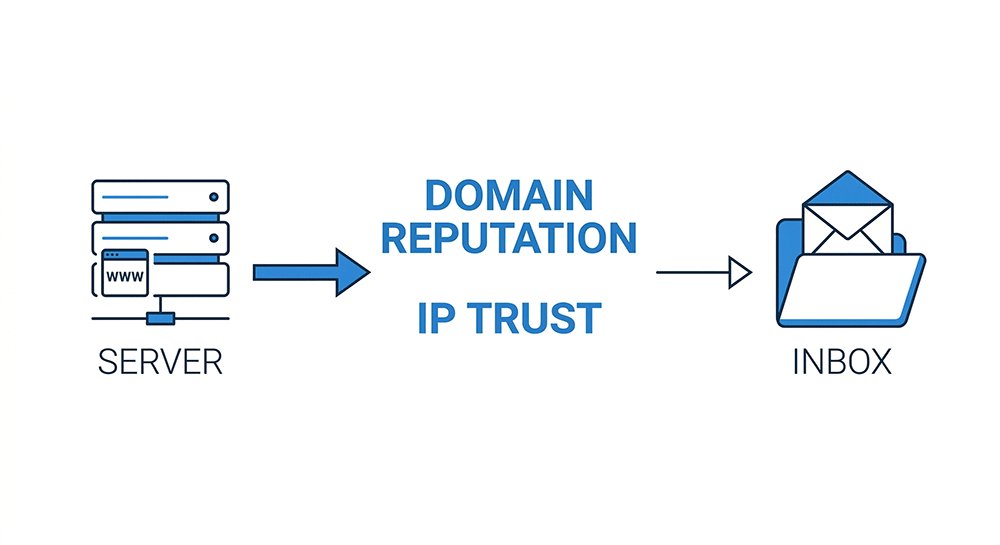
- Domain reputation → Is your email domain already flagged?
- IP trust → Does your connection look like a real user?
~80% of failures are caused by domain reputation alone
If your code never arrives, switching domain + IP is usually enough to fix it.
Why Your Temp Mail Is Not Working (And Not Receiving Codes)
To solve the problem permanently, you need to understand what is happening behind the scenes. Websites have become much smarter at detecting "disposable" emails. Here are the three technical reasons why your codes are being blocked:
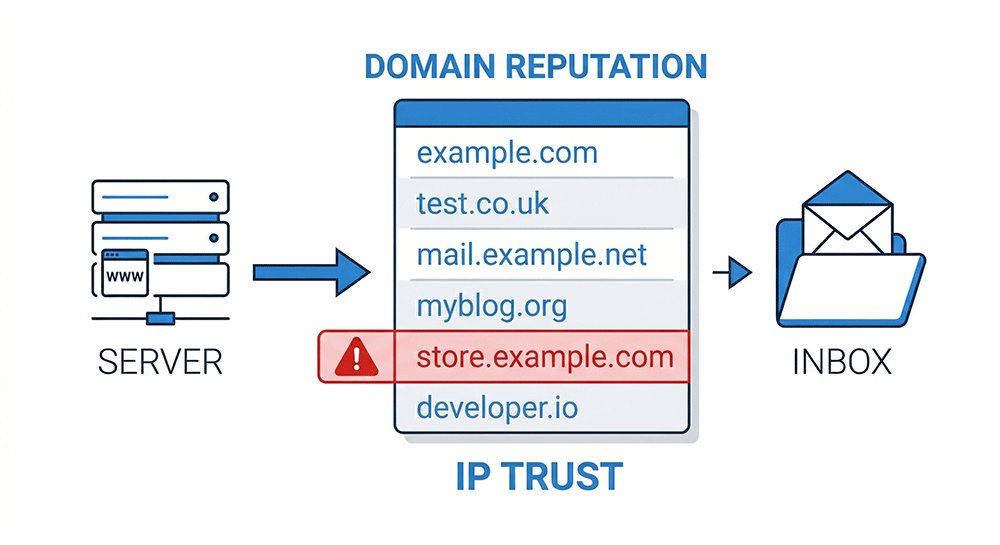
1. The Blacklist Effect
Many platforms maintain internal lists of known disposable domains.
When a domain is flagged, the system may:
- silently reject the signup
- skip sending the email
- or route it to spam-level filtering
From the user’s perspective, it looks like the email was sent — but nothing arrives.
Many major platforms maintain internal disposable domain blocklists, a practice also acknowledged in anti-abuse and email filtering guidelines from organizations like Google and Microsoft.
2. Greylisting (The "Silent" Delay)
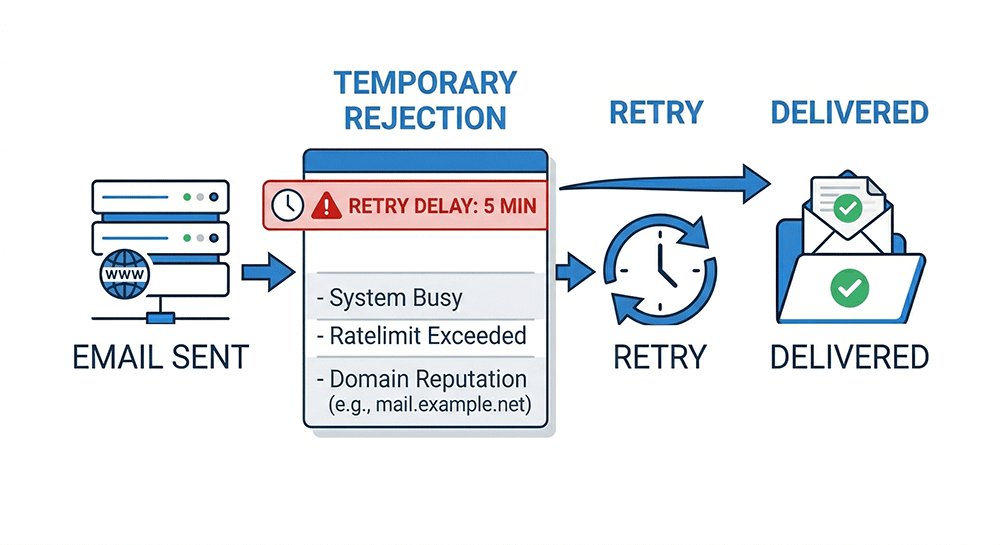
Greylisting is a widely used anti-spam mechanism supported by standard email protocols and widely implemented across enterprise mail systems.
- Standard servers will automatically retry after a few minutes.
- Low-quality temp mail providers may not handle these retries correctly, causing the code to never arrive.
Many temp mail providers fail here because they don’t retry properly — which means the email is never delivered.
3. Browser & IP Fingerprinting
If your behavior is flagged as suspicious, the platform may:
- block the signup request
- or delay/skip email triggering
In this case, changing the email alone won’t help.
This multi-layered detection approach is commonly used in modern anti-abuse systems to prevent automated registrations and bulk account creation.
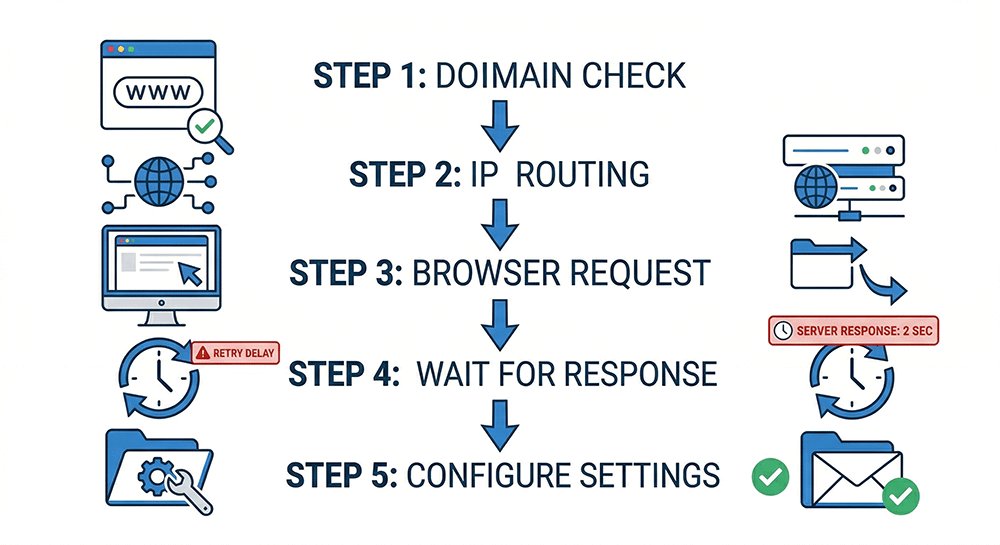
5 Proven Fixes to Receive Your Codes Faster (Step-by-Step)
If your temp mail is not receiving verification codes, don’t try random fixes.
Follow these steps in order of impact — starting with what actually matters.
Fix 1: Switch to a Fresh Domain (Most Important)
If your current temp mail domain is not working, it is likely already flagged or overused.
Most platforms maintain updated lists of disposable domains, and once a domain is flagged, email delivery becomes unreliable or completely blocked.
- Action: Choose a less common or newly rotated domain.
- Avoid domains that:
- appear on popular temp mail sites
- contain words like “temp”, “mail”, or “disposable”
In practice, switching domains alone often resolves the issue.
Fix 2: Change to a Clean IP (Mobile Data Recommended)
Even with a good domain, your IP address can get flagged if it has too many signup attempts.
Public Wi-Fi and VPNs often share IPs across many users, making them high-risk.
- Action:
- Switch to mobile data (4G/5G) for a residential IP
- Or use a fresh, low-abuse VPN IP
Domain + IP together determine whether the code is sent at all.
Fix 3: Start a New Session (Incognito Mode)
Websites track cookies and previous attempts. If you’ve already failed once, retrying in the same session often won’t work.
- Action : Open a new Incognito / Private window and restart the signup process from scratch.
This resets your session fingerprint and reduces detection risk.
Fix 4: Wait Before Requesting Another Code (Greylisting)
Some platforms delay emails from unfamiliar domains as part of anti-spam protection.
Clicking “Resend” too quickly can reset the delay or trigger rate limits.
- Action: Wait 5–10 minutes before requesting another code.
If the email was accepted, it may still arrive after a delay.
Fix 5: Handle Edge Cases (Rare but Possible)
If the above steps don’t work, the issue may be caused by less common factors:
- Ad blockers may prevent inbox updates
- Auto-refresh delays may hide incoming emails
- Session loss may cause you to check the wrong inbox
Action:
- Disable extensions temporarily
- Manually refresh the inbox
- Confirm you are using the correct inbox/session
These issues are uncommon, but can still block delivery in edge cases.
Advanced Tips to Improve Email Delivery Success
Once you’ve gotten your code, you want to make sure your account stays active. Here is how to maintain a high success rate with disposable emails:
1. Simulate Human Behavior
Don't be a "Flash." If you open a registration page and fill out the entire form in 2 seconds, the website knows you are either a bot or using an auto-filler.
- Pro Tip: Spend at least 30–60 seconds on the signup page before clicking "Submit." This lowers the "risk score" assigned to your email address.
2. Choose "High-Authority" Domains
When using a service, prioritize domains that look like standard business or organizational emails. Avoid domains that contain the word "temp," "mail," or "disposable" in the name, as these are the first to be filtered by sophisticated AI firewalls.
3. Save Your Access Key
If you are using a temporary email for something important (like a software trial), always save the URL ID. Professional users often store these in a password manager. This ensures that even if you receive a second verification code two days later, you can still access it without needing a "permanent" account.
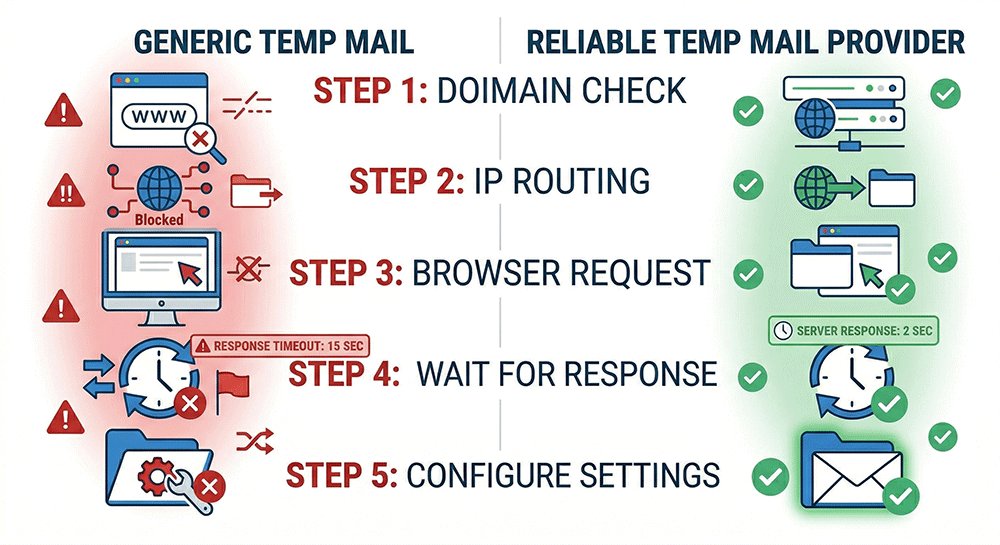
Why Most Free Temp Mail Services Fail (Comparison)
If you have tried multiple sites and find that temp mail is not working with Discord, Netflix, or Instagram, the reason usually lies in the provider's infrastructure. Most "free" services are overcrowded and use outdated technology.
Here is why a professional provider makes a difference:
| Feature | Generic Temp Mail | What Makes a Reliable Temp Mail Provider |
|---|---|---|
| Domain Refresh Rate | Once a month (Easy to block) | Every 24 Hours (Stay undetected) |
| SMTP Speed | High latency (Causes OTP timeout) | Instant Delivery (Optimized for OTP) |
| Success Rate | Low for TikTok/Instagram/Netflix | High (including high-security sites) |
| Privacy & Recovery | No way to recover lost inbox | Inbox ID / Token Recovery |
The main reason for disposable email not receiving code issues is that generic providers use "dirty" IP addresses. When thousands of people use the same domain for temp mail blocked verification attempts, the domain’s reputation is destroyed instantly. Reliable providers prioritize clean domains, proper SMTP retry handling, and stable inbox recovery.
Temp Mail Not Working on Instagram, Discord, or ChatGPT? How to Fix It Fast
If your temp mail is not working on specific platforms, the issue is usually related to stricter filters. Here’s how to fix it quickly:
- Instagram → Use Incognito mode + switch to a fresh domain + avoid reused sessions
- Discord → Change IP (mobile data recommended) + avoid flagged domains
- ChatGPT → Use a domain that doesn’t look like a temp provider + clean browser session
- Netflix → Wait 5–10 minutes (greylisting) + retry with a new domain
Each platform uses different filtering systems, but domain reputation and IP trust are the most important factors.
Across all platforms, domain reputation and IP trust remain the key factors.
FAQ: Temp Mail Not Receiving Verification Codes
Why is my temp mail not receiving codes from Discord?
Quick Answer: Discord aggressively blocks disposable email domains, especially those listed in public temp mail databases.
What’s happening:
- Some domains are blocked within hours of being publicly listed
- Even clean domains can fail if your IP has too many signup attempts
How to fix it:
- Use a fresh, less common domain
- Switch to a mobile or residential IP
- Avoid overused temp mail providers
Why does Instagram sometimes block temp mail codes?
Quick Answer: Instagram relies heavily on behavioral signals, not just email reputation.
What’s happening:
- Tracks device fingerprint (browser, OS, screen size)
- Detects typing speed and interaction patterns (auto-fill = high risk)
How to fix it:
- Use an Incognito/Private window
- Fill the form manually over 30–60 seconds
- Combine with a fresh domain
Why do Netflix verification emails get delayed?
Quick Answer: Netflix uses greylisting to delay emails from new or unknown domains.
What’s happening:
- Emails are often delayed 5–10 minutes before retry
- Domains with poor reputation may face longer delays or blocks
How to fix it:
- Wait at least 5–10 minutes before clicking “Resend”
- If nothing arrives, switch to a new domain
Why do high-security sites block most temp mail?
Quick Answer: High-security platforms combine multiple signals to detect disposable emails.
What’s happening:
- Filtering is based on domain + IP + session + behavior
- Many temp mail services don’t support inbox recovery, making retries harder
How to fix it:
- Use a provider with rotating domains
- Ensure a clean IP (mobile or residential)
- Choose services that support inbox/session recovery
Conclusion: How to Fix Temp Mail Not Working and Receive Verification Codes
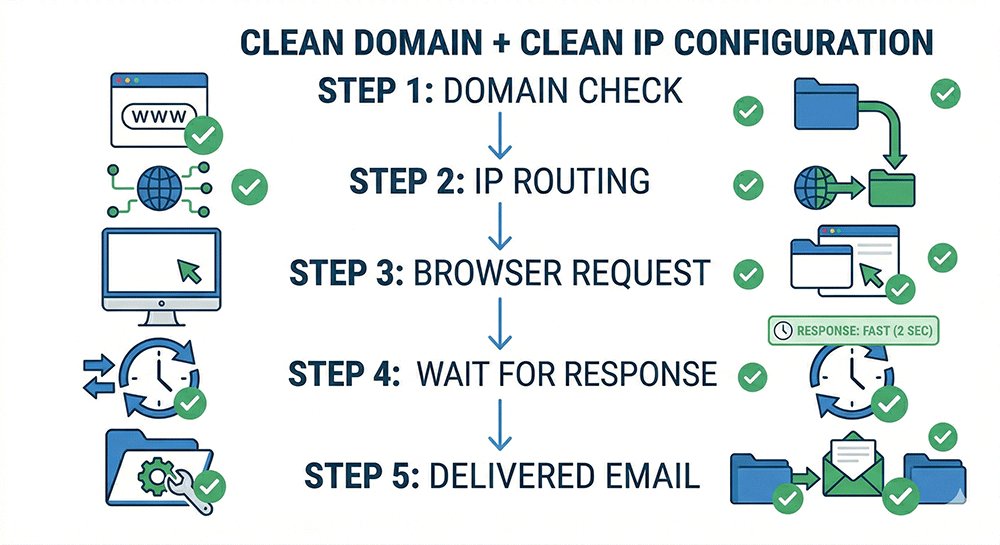
If your temp mail is not receiving verification codes, stop trying random fixes — they rarely work.Focus on the two variables that actually determine success:
- Domain reputation → Is your email domain already flagged or overused?
- IP trust → Does your connection look like a real user or a bulk signup source?
Everything else — browser settings, refresh timing, even the email provider itself — is secondary.
**Simple rule:**If it fails, reset both:
- switch to a fresh domain
- use a clean IP (mobile or residential)
- start again in a new session
Once these two factors are fixed, most verification issues can be resolved.
However, if you still experience failures after multiple attempts, the issue is usually not your setup — it’s the quality of the temp mail service itself.
Many free providers reuse flagged domains, share abused IP pools, or fail to handle email retries properly.
In that case, the only reliable solution is to use a provider that offers:
- frequently rotated domains
- clean IP infrastructure
- proper SMTP retry handling
- stable inbox access or recovery
This is why more advanced users tend to rely on higher-quality temp mail services (such as tempemail.cc) when verification reliability actually matters.
Because at the end of the day,getting the code isn’t about luck — it’s about using infrastructure that isn’t already blocked.